Calendar, databases and boards, offline too
Offline you can now create and change events, change cells in your databases and move cards on your boards. Everything is saved on your device and uploads on its own when you're back online, without overwriting what others changed.
New
- Events offline. In the offline screen's Calendar, New event creates one, and clicking an event lets you change its title, day, times and description, or delete it. Changes are labelled Not uploaded until you're back online.
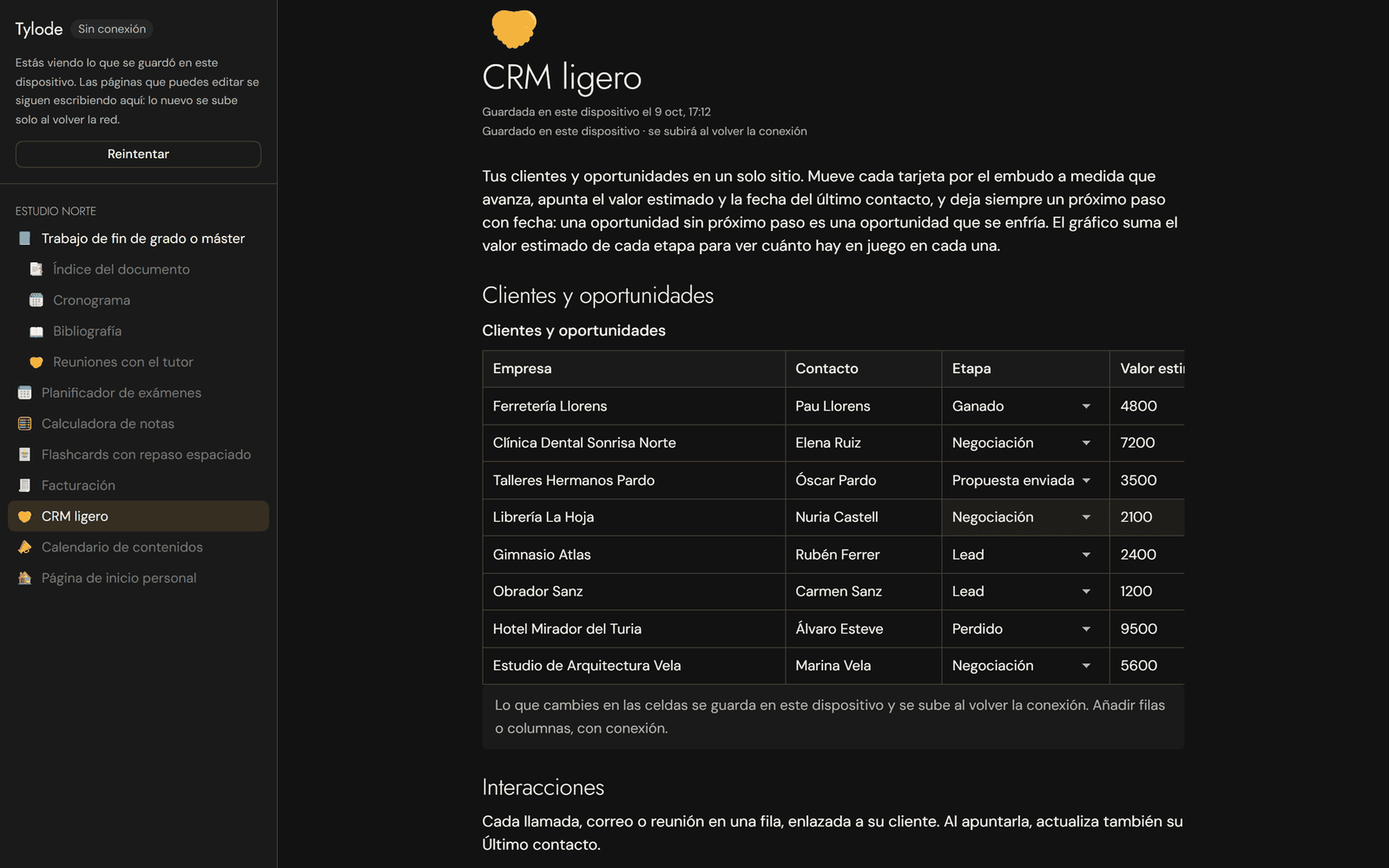
- Cells offline. Your pages' databases can be changed without a connection: text, number, checkbox, select, date, link and phone. Changed cells are highlighted until they upload.
- Cards offline. Your boards show inside their pages and in the offline screen's new Boards section. You can add cards, change their title or description, move them to another list and delete them.
Improvements
- Without overwriting anyone. Only what you touched changes when it uploads: if someone else changed another column of the same row or another detail of the same event or card, theirs stays. See Open Tylode offline.
- Straight to the calendar. If you open the calendar offline, the offline screen takes you straight to it.