Pro at half price for students, your pages on the web and invites with a link
If you're a student, Pro is half price. Plus, share a page with anyone even without an account and bring your class or team into your workspace with a single link.
New
- Student discount. If you study at a university or school, Pro is half price while you keep studying: €4.97 a month, or €4 a month billed yearly. In Settings → Billing, enter your student email and open the link we send you. You renew it once a year. See Student discount.
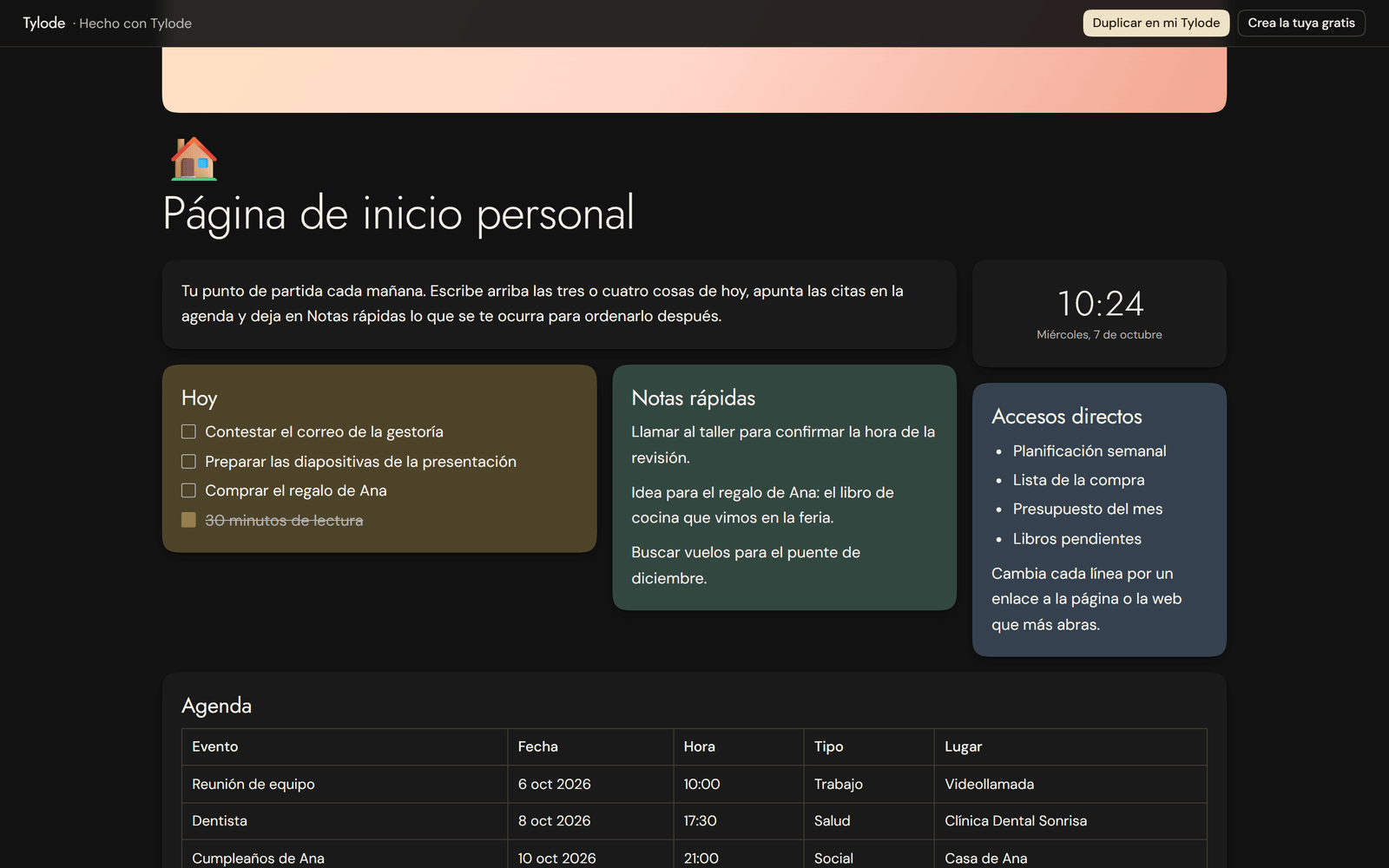
- Publish to the web. In Share, turn on Publish to the web and your page gets a link anyone can open, without an account and without editing it: with its magnets, photos and tables. If you allow it, viewers can click Duplicate to my Tylode and take a copy. When you publish, it doesn't show up in search engines; that's up to you with a checkbox. See Publish to the web.
- Invite with a link. In Members, create an invite link, choose whether people join as members or read-only and how long it lasts (1, 7 or 30 days), and paste it in your class or team group. Anyone who opens it joins the workspace, even if they don't have an account yet. Change link makes the old one stop working. See Invite with a link.
Improvements
- TikTok in RRSS Planner, for everyone: connect your account in Account settings → Connections and publish what's approved without leaving Tylode, from the web. Until TikTok finishes reviewing Tylode, videos are posted as private.
- The dashboard is faster, especially in the iPhone app: less waiting when you switch screens.
- Switching accounts on the iPhone no longer slows the app down: after signing out of one account and into another, everything loads right away.
- Inviting by email as Read-only now works: it used to fail when sending the invitation.
- The Tylode website, refreshed: a menu on mobile, the Mac app ready to download, new screenshots, a preview of every template and a page of its own for each update, like this one.