Forms in your databases
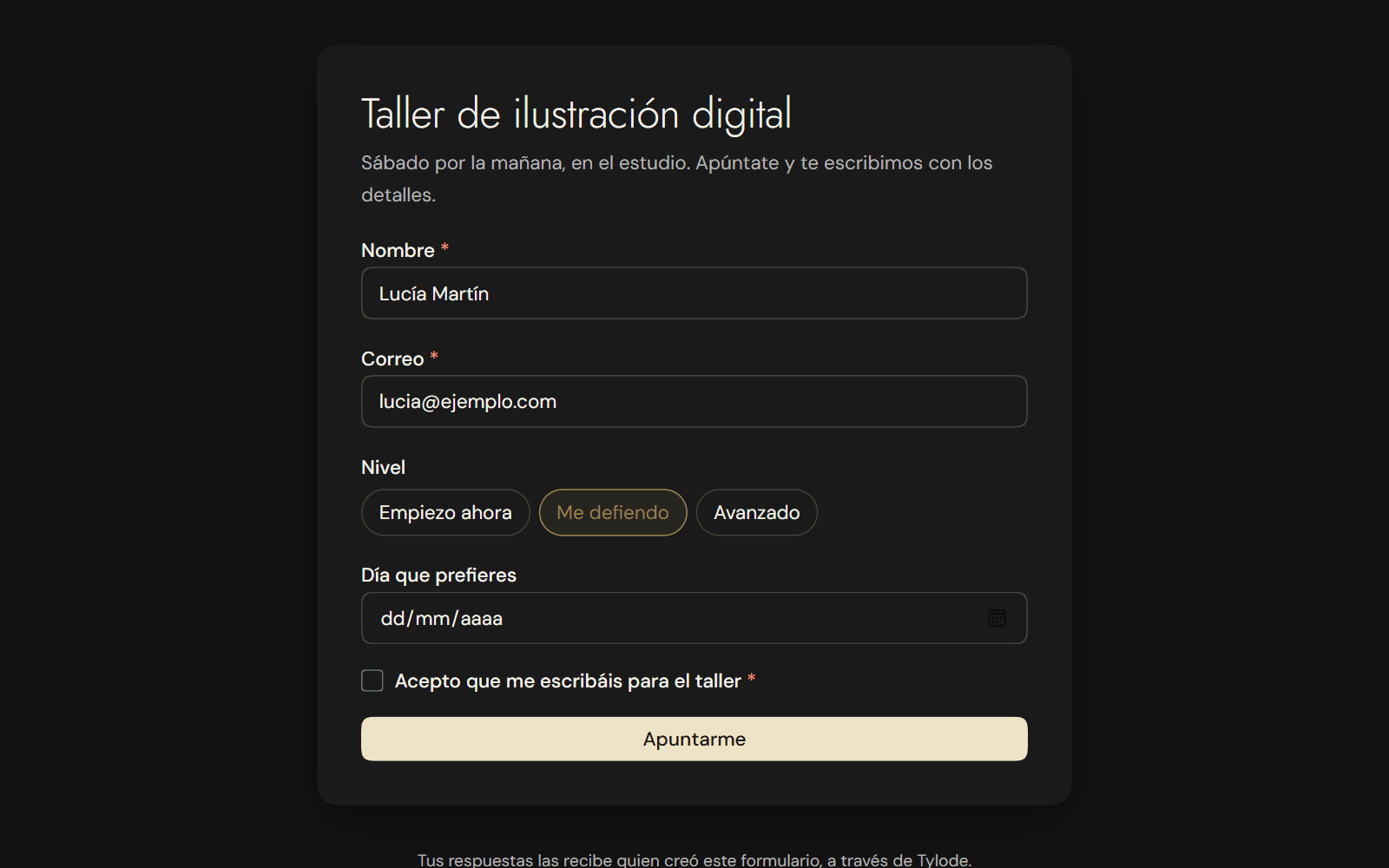
Turn any database into a form with a public link. People respond without an account and each response is a new row. Also as a magnet on your pages.
New
- Forms. In a database, click + next to the views and choose Form. The columns are the questions: remove the ones you don't need, reorder them and mark the required ones. Click Create link and share it. Anyone who opens it responds without an account and each response arrives as a new row in the database, with a notification. You can pause or change the link whenever you like. See Form.
- The Form magnet. In + Magnet, choose Form to put one on a page: people respond right there, also on the page published to the web. See Dashboards.
Improvements
- Mute meetings and forms. In Settings → Notifications there are two new notification types: meetings booked or cancelled with you, and responses to your forms. You can turn them off or get them by email.