Upload whole folders and files up to 5 GB
Drag a folder from your computer into My drive and it's uploaded with everything inside. And every file can now be up to 5 GB on every plan; all that counts is your storage.
New
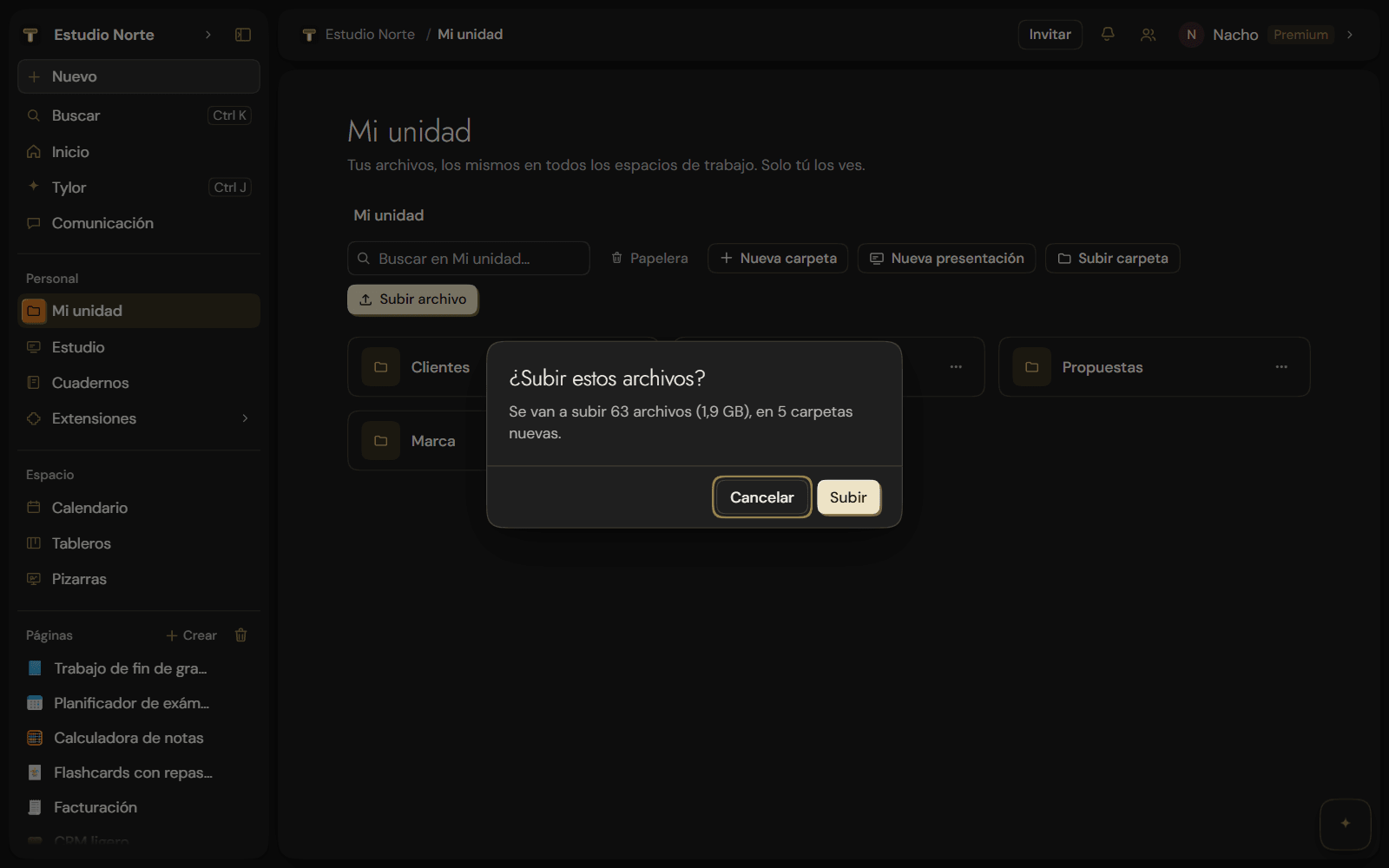
- Drag whole folders. Drop files or folders from your computer into My drive: on an empty spot they go to the folder you're viewing, and on a folder they go inside it. Every subfolder is created in its place. It works in the browser and in the desktop app.
- Upload folder. If you'd rather pick it, click Upload folder, next to Upload file.
- Files up to 5 GB, on every plan. The maximum file size no longer depends on your plan (it used to be 10 MB, 100 MB or 1 GB): it's now 5 GB on Free, Pro and Premium. What changes from plan to plan is storage: 1 GB, 15 GB or 250 GB. See Limits.
Improvements
- A summary before it starts. Everything is checked together: anything that can't be uploaded is skipped and you're told, and if it doesn't fit in the storage you have left, nothing is uploaded. With new folders or lots of files, you're asked first.
- Large files, in chunks. If the connection drops for a moment, the upload picks up where it left off. The bar shows how much is done ("1.2 GB / 3 GB") and Stop stops starting new files.
- No system files. What your computer leaves in folders (
.DS_Store,Thumbs.db) and hidden folders like.gitaren't uploaded. - Sizes in GB. Anything over 1 GB is shown in GB, not MB.