Badges, page icons with a badge and a livelier Tylode
Badges recognize what you've done in Tylode, your pages can use a badge as their icon and everything moves a little more. You can also dictate to Tylor and share links from your phone in one tap.
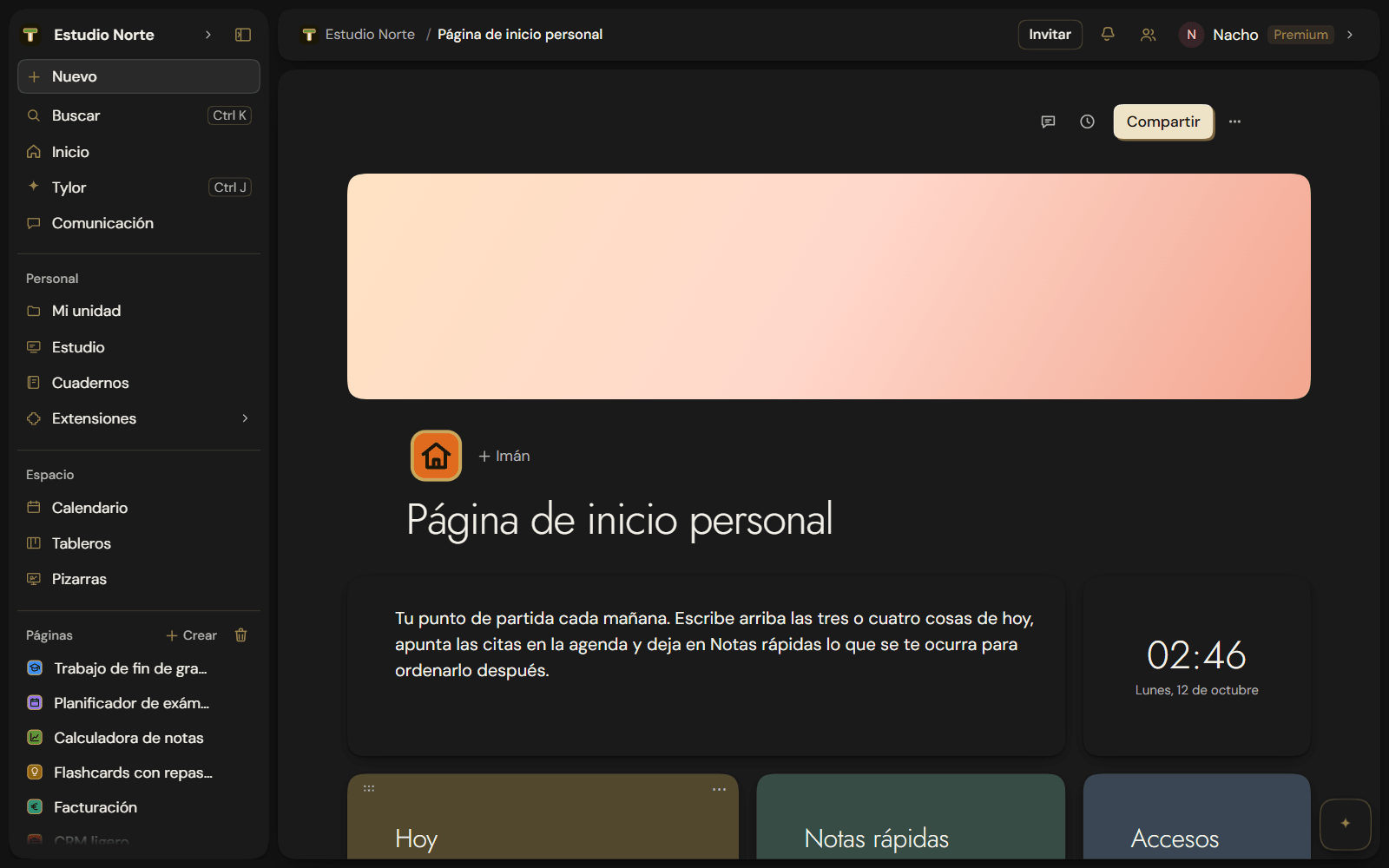
New
- Badges. Founder (with your number), Student, Creator and Featured author. You don't ask for them: they just appear. You'll find them in Settings → Account, and your teammates see them next to your name in Members. See Your badges.
- A badge as a page icon. In the icon picker, the Badge tab has twelve drawings and eight colors, matching the rest of Tylode. See Page icons.
- Dictate to Tylor. Tylor's box has a microphone: tap it, speak, and what you say appears in the box so you can check it before sending. It shows up in browsers that recognize speech. See Dictate to Tylor.
- Share… on your phone. Next to every Copy link (a published page, an invitation, a booking link, a form) there's a Share… button that opens your phone's share sheet.
Improvements
- A livelier Tylode. Each workspace's T has its color, sidebar sections light up with their badge when you hover, the main button sinks when you press it, and menus, notices and checkboxes move smoothly. If you have "reduce motion" turned on, nothing moves.
- The new Tylode icon, in your browser tab. And when you have something unread, the tab icon shows a dot.
- On your phone: TikTok also shows up in RRSS Planner inside the iPhone app, the YouTube magnet can be added from your phone, and Connect with iPhone opens without a QR code if you're already on your iPhone. The header shows a single icon, not two.